Hello, world
This is the first post on the blog. Every post is an .mdx file inside
src/content/blog/, and the file name becomes the URL slug.
Writing a post
Create a new file, export a metadata object at the top, then write markdown
below it:
export const metadata = {
  title: "My new post",
  date: "2026-10-03",
  description: "Optional summary.",
  draft: true, // only visible in `pnpm dev`
};

Your content here.
What works
- Markdown — headings, lists, links,
inline code, quotes - GFM — tables,
strikethroughand task lists - JSX — import and drop in any React component
Keep it short, ship it, and fix it later.
Images
A plain markdown image becomes a figure. The optional title turns into a
caption, and wide images break out of the text column:
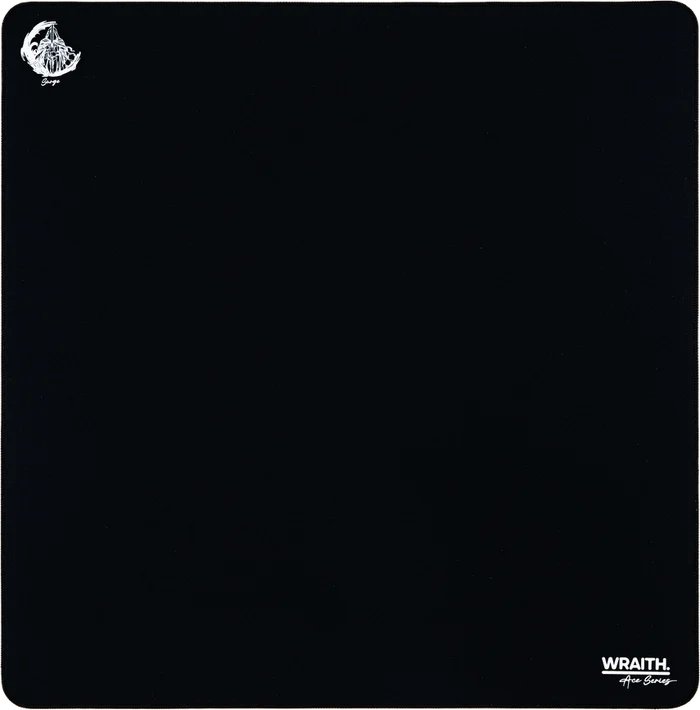
<Figure src="https://example.com/shot.png" alt="Dashboard" wide />
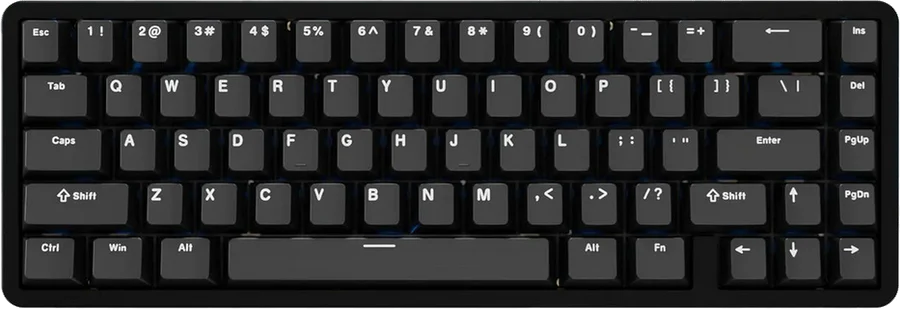
For a set of images, <Carousel> takes an images array. Every slide is
cropped to the same ratio so the frame never resizes while swiping:
<Carousel
  ratio="4/3"
  images={[
    { src: "/desk/keyboard.webp", alt: "Keyboard", caption: "Chilkey ND65" },
    { src: "/desk/mouse.webp", alt: "Mouse", caption: "WLMouse Beast X Max" },
  ]}
/>

Both take remote URLs too, and both accept wide. Pass ratio to a <Figure>
as well if you want the space reserved before the image loads.
| Stack | Why |
|---|---|
| Next.js | App Router + static export |
| Tailwind | Tokens in globals.css |
| MDX | Markdown with components |